Are you looking for a way to Cancel or Delete your Google AdSense account?
Hi, I’m Vimal K. from TechnoVimal Group. And today in this article. I’ll share my trick to “How To Delete AdSense Account”. As well as How to Cancel the AdMob account.
Okay, let us help you and I will address my issue in just five simple steps.
Also Read:-
- Fill Invalid Clicks Contact Form For Your Suspended Adsense Account.
- How To Start A Blog on WordPress?
How to Delete Adsense Account
To Permanently disable your AdSense account follow these simple steps below.
Step 1.
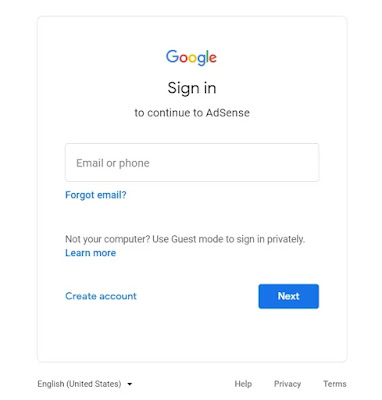
- Go to the Google AdSense site and sign in to your account.
Step 2.
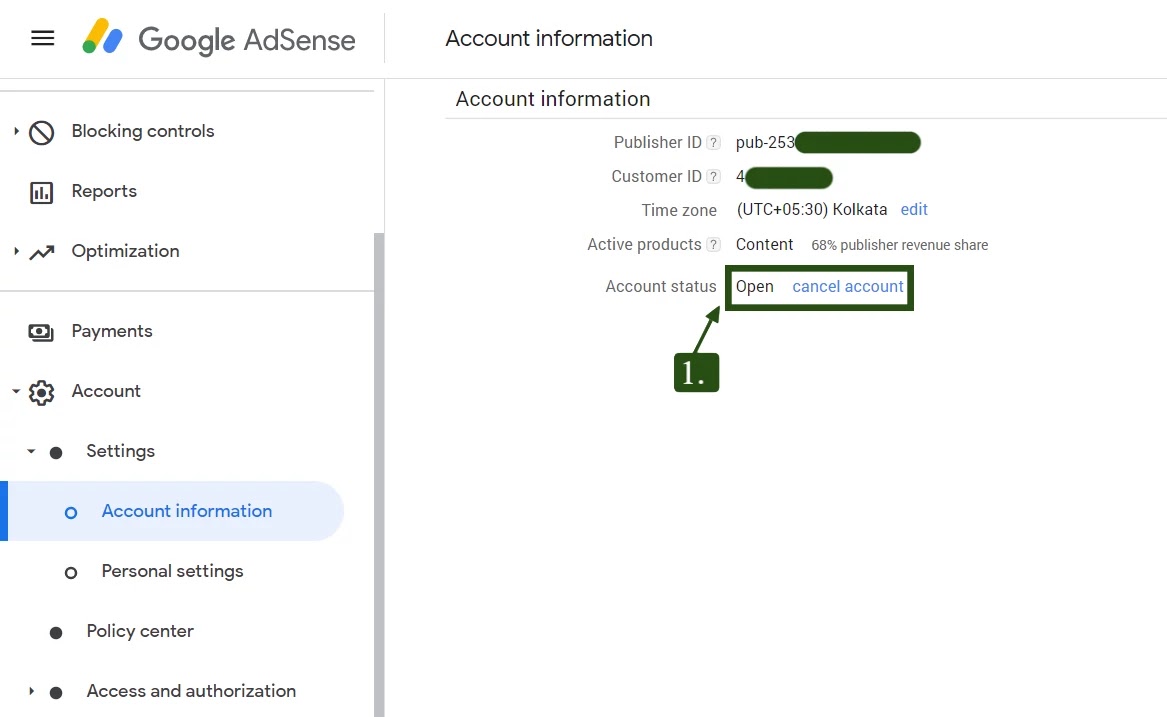
- In the “Account information” section, click cancel account.
Step 3.
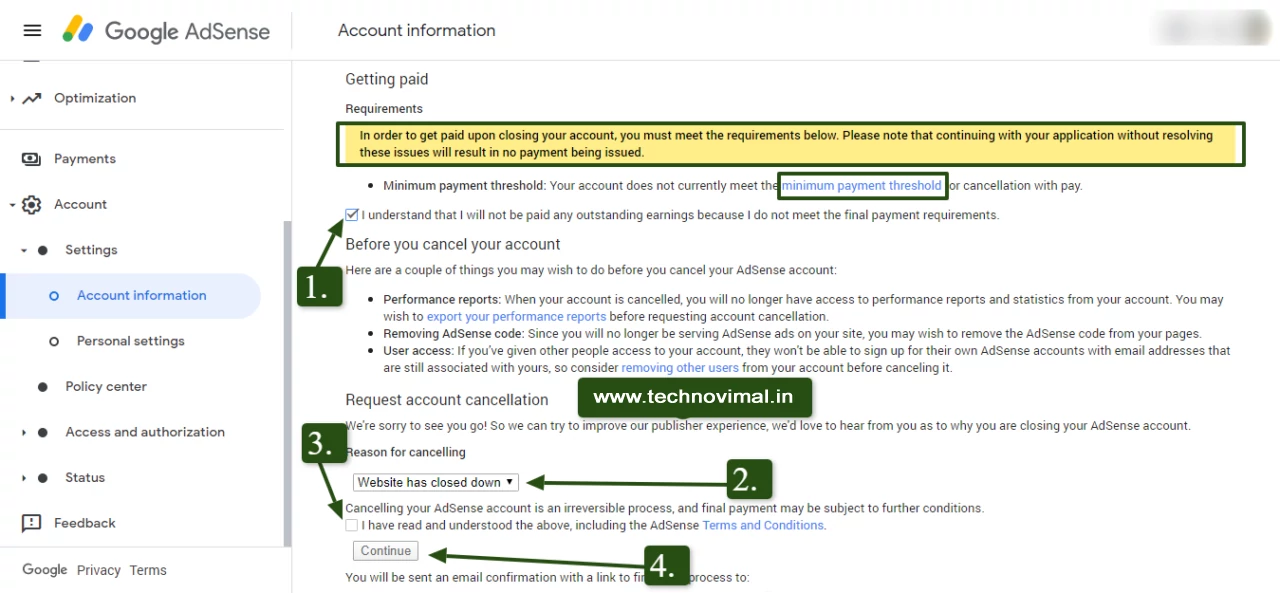
- Then just follow these steps. The images shown below.
Step 4.
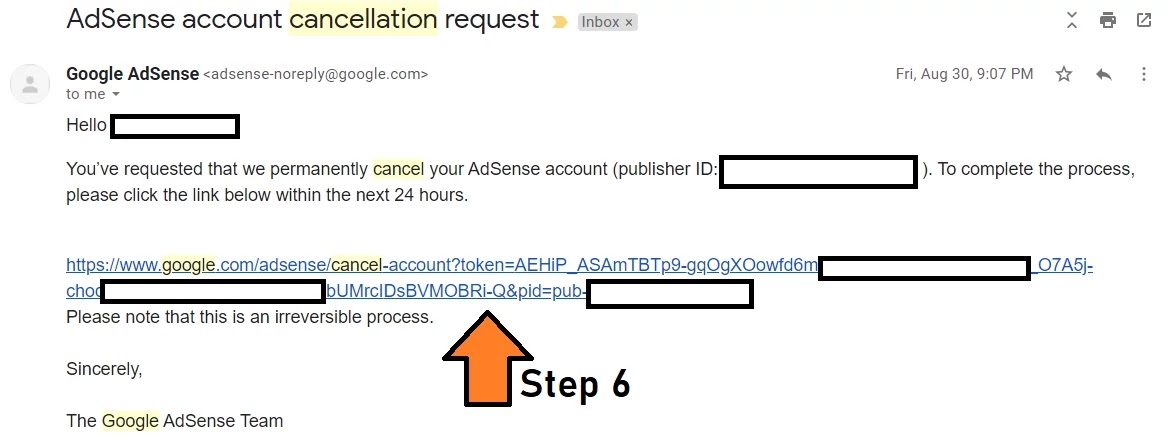
- After that, you will get a confirmation link on the registered Gmail account. Click on the link to complete the cancellation process.
- After Will Receive another mail from Adsense support for the successful delete of your account.
If you do not see the link, then your AdMob account may have a link with your AdSense account. You must first cancel your AdMob account.
-:Note:-
Things to Do Before You Close Your AdSense Account
- Remove the AdSense code from your website, theme and plugins, so no blank ad spaces are left on your pages.
- Check your balance. If your earnings are above the cancellation threshold, Google sends a final payment in a later payment cycle. Earnings below the threshold are not paid out.
- Download your reports if you want to keep a record of your past earnings.
- Check AdMob. If your AdSense account is linked to AdMob, close the AdMob account first, as mentioned above.
Where to Find the Close Account Option Now
In the current AdSense dashboard, the option is under Account → Settings → Account information. Click Close account and follow the on-screen steps. Google will ask you to confirm by email before the account is closed.
Frequently Asked Questions
Will deleting AdSense delete my Gmail account?
No. Closing AdSense only closes the AdSense account. Your Google account, Gmail, YouTube and other Google services stay the same.
Can I get paid after closing my AdSense account?
Yes, if your balance is above the cancellation threshold. The final payment is issued in a later payment cycle to your saved payment method, so make sure your payment details are correct before you close the account.
Should I close AdSense if my account is suspended for invalid traffic?
Not straight away. You can first file an appeal. See How to fill the invalid clicks contact form.
Conclusion
In this post, we write about how to disable the Adsense account permanently. If you like this article and find it useful don’t forget to like it and share it with your friends because sharing is important…
If you have any problems you can ask even if you have a deletion problem disable your AdSense account email me or comment below. I will definitely reply and if this information is good please share it. Do because sharing is caring and you are on the lookout for TechnoVimal.
Also Read:-
- Fix Valuable Inventory Scraped Content
- Fill Invalid Clicks Contact Form Suspended Adsense Acc.
- How To Make Money From Google AdSense